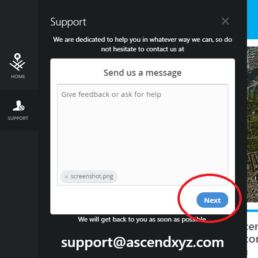
Attach Screenshot to Support Request
Step Guide
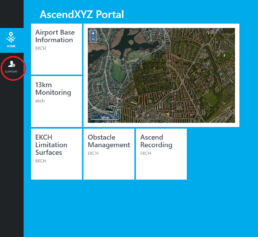
1. Click the support button
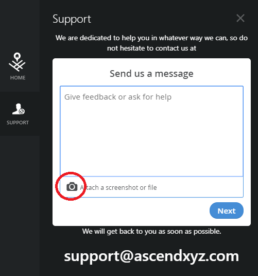
2. Click "Attach a screenshot or file"
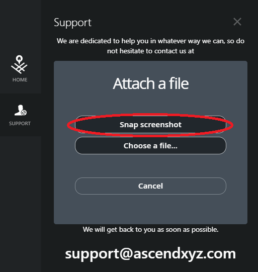
3. Click "Snap screenshot"
Alternatively, you can attach a file to your support request by clicking "Choose a file"
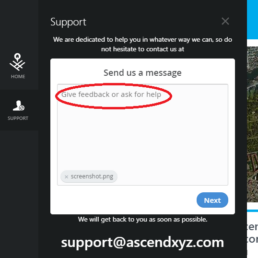
4. Write a description of the issue